
Configuration Window
Find, add, and configure observers in the Barklarm desktop app.
Select Configure from the tray menu to open the Barklarm window.
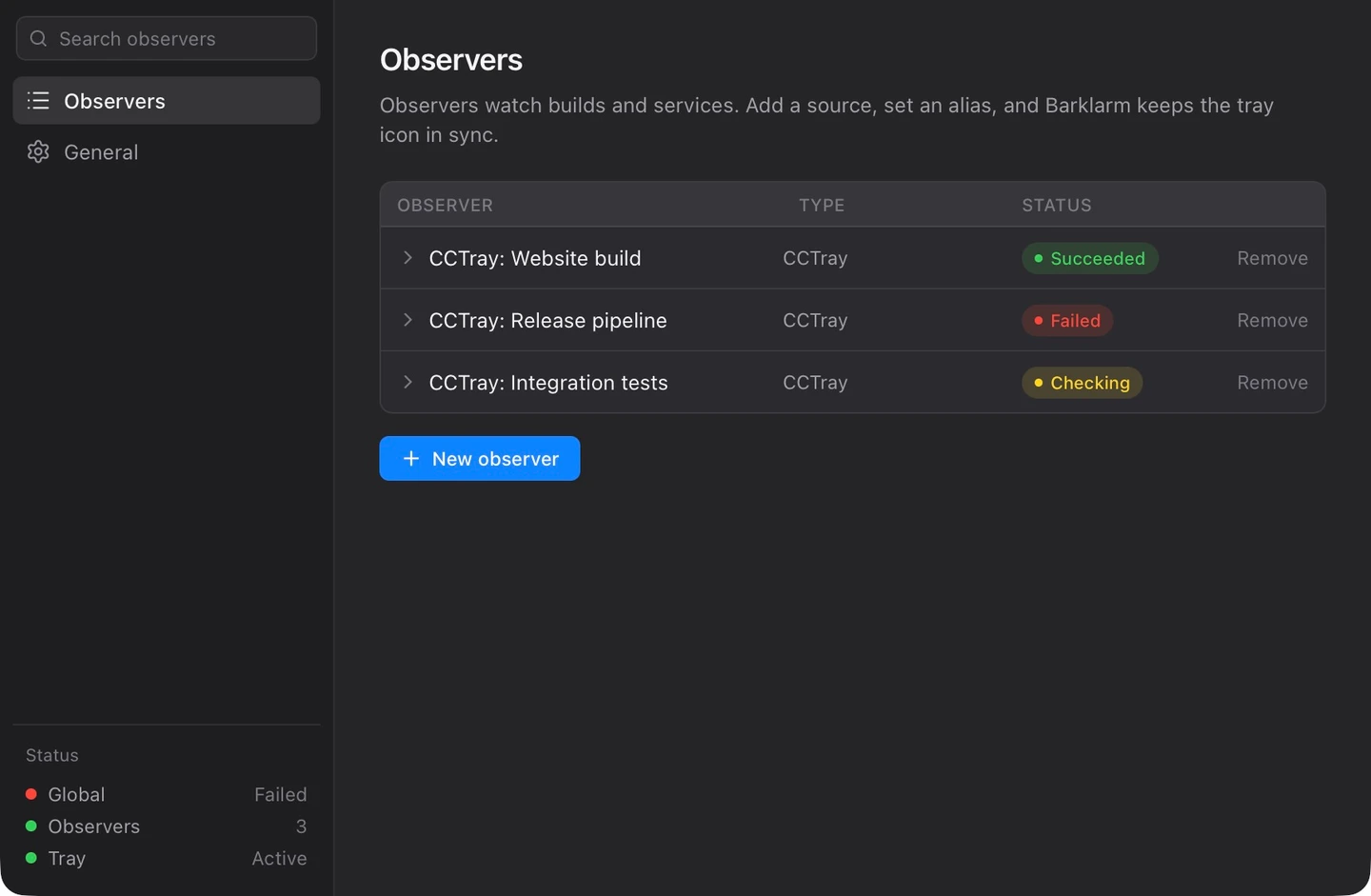
Use Observers to search your monitors, expand a row to edit it, or add a source with New observer. Open General for app settings.
Find the fields for your service in the configuration guides.